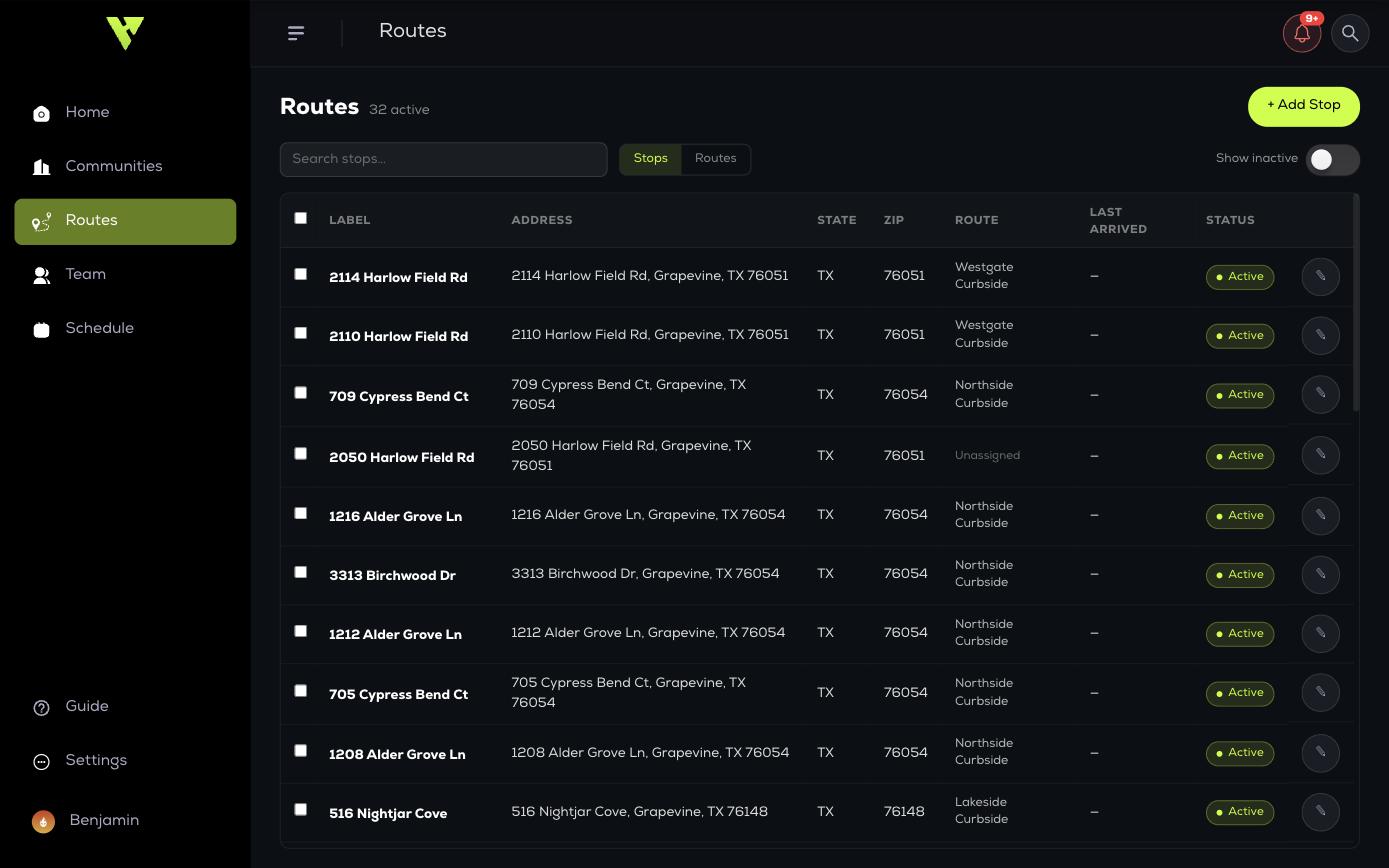
Routes module
How Routes Work
The Routes module handles curbside and commercial pickup, where the job is a list of addresses to drive rather than a property to walk.
The Routes module handles curbside and commercial pickup, where the job is a list of addresses to drive rather than a property to walk.
Two concepts
- Stop — a single serviceable address. It has an address, optional customer phone, notes such as a gate code, and a service history.
- Route — an ordered group of stops, assigned to days of the week and to agents per day.
A stop can sit unassigned until you put it on a route. A route without stops does nothing. The normal flow is: add your stops, create a route, then move stops onto it in the order you want them driven.