
Communities module
Bulk Importing Units
Adding units one at a time is fine for a handful. For a 300-unit property, use the CSV import.
Adding units one at a time is fine for a handful. For a 300-unit property, use the CSV import.
- On the Units tab, choose Bulk Import from CSV.
- Use Download Template to get a pre-formatted file with examples, or prepare your own.
- Upload the CSV, or drag and drop it onto the upload area.
- Review the preview, then confirm the import.
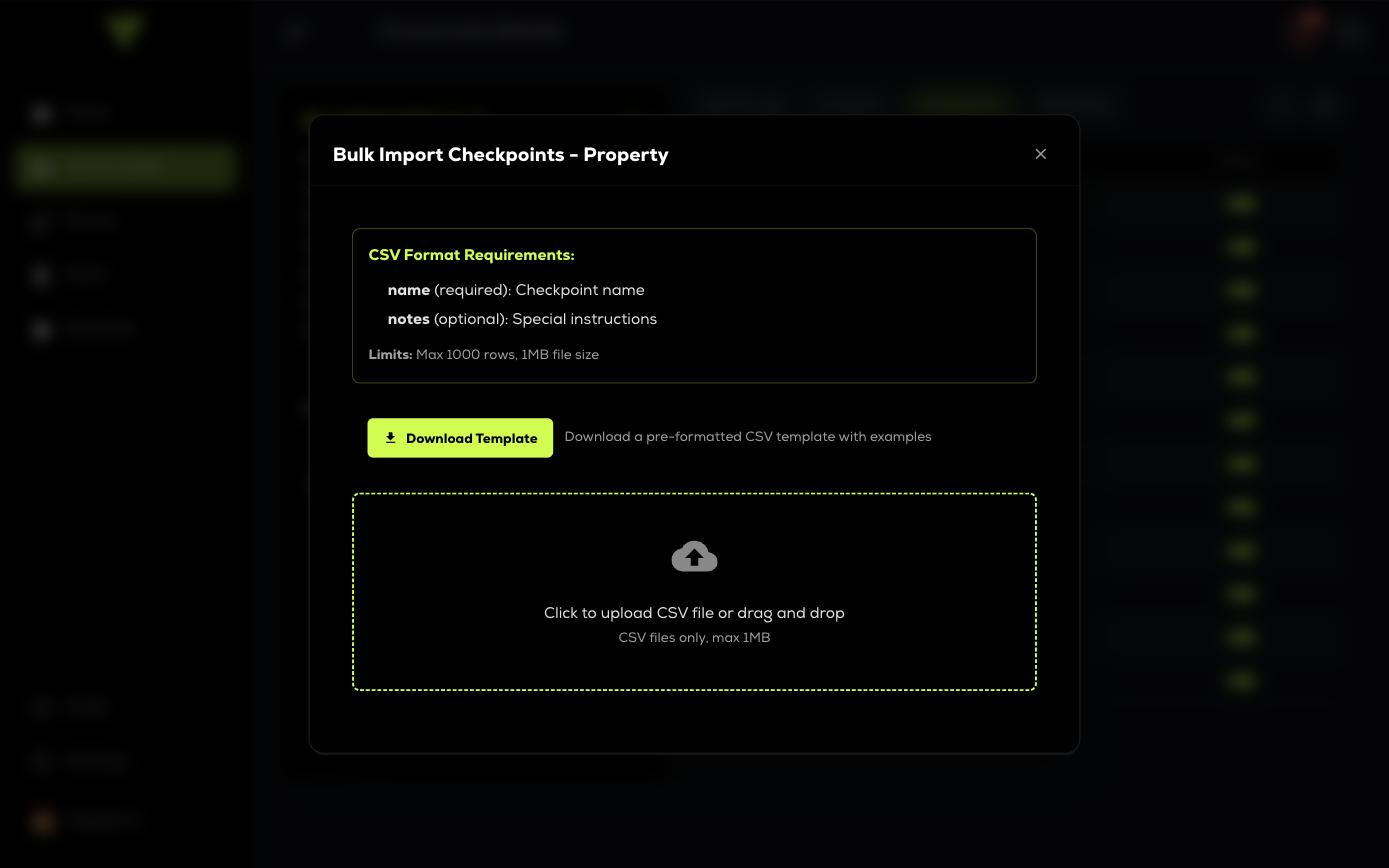
The file should include the unit identifiers your team uses in the field, plus any building, floor or notes columns you want carried into the property record. A clean export from the property manager is the best starting point.
Every imported unit is added to the property record, exactly as if you had added it by hand.