
White Labeling & Branding
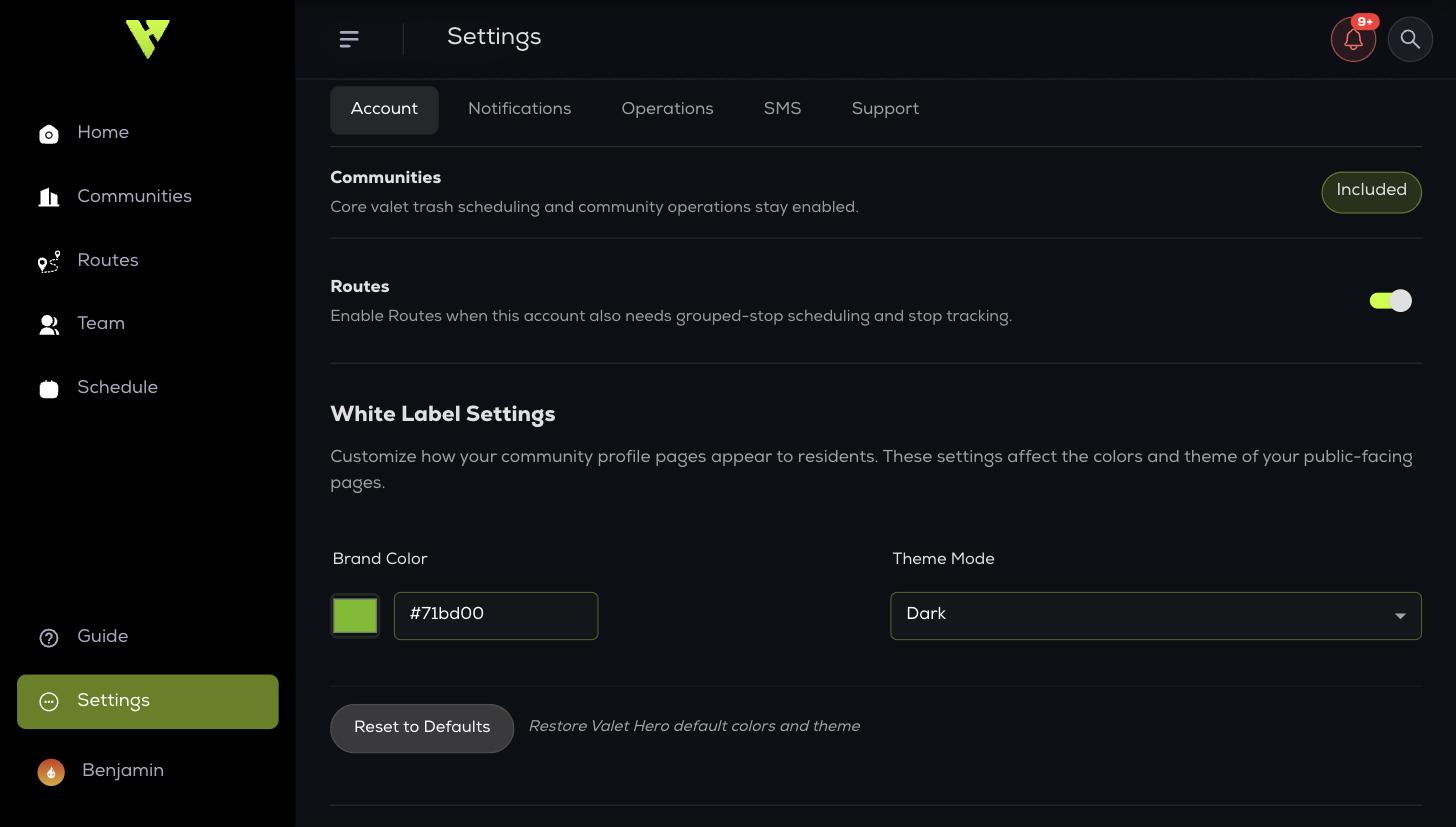
Your residents and property managers should see your company, not ours. White label settings live under Settings → Account.
Your residents and property managers should see your company, not ours. White label settings live under Settings → Account.
- Business Logo — shown on the resident portal, the property portal, and generated PDFs.
- Brand Color — your primary colour across resident-facing pages.
- Theme Mode — dark or light.
- Restore defaults — returns to Valet Hero colours and theme.
Where your branding appears
- The resident portal for every community.
- The property manager portal.
- The resident welcome flyer.
- Generated reports.