
Team Member Profiles
Click a team member to open their profile.
Click a team member to open their profile.
- Contact details, access level, start date and status.
- Key stats for that person.
- Their schedule view — what they are assigned to and when.
- Their assigned communities.
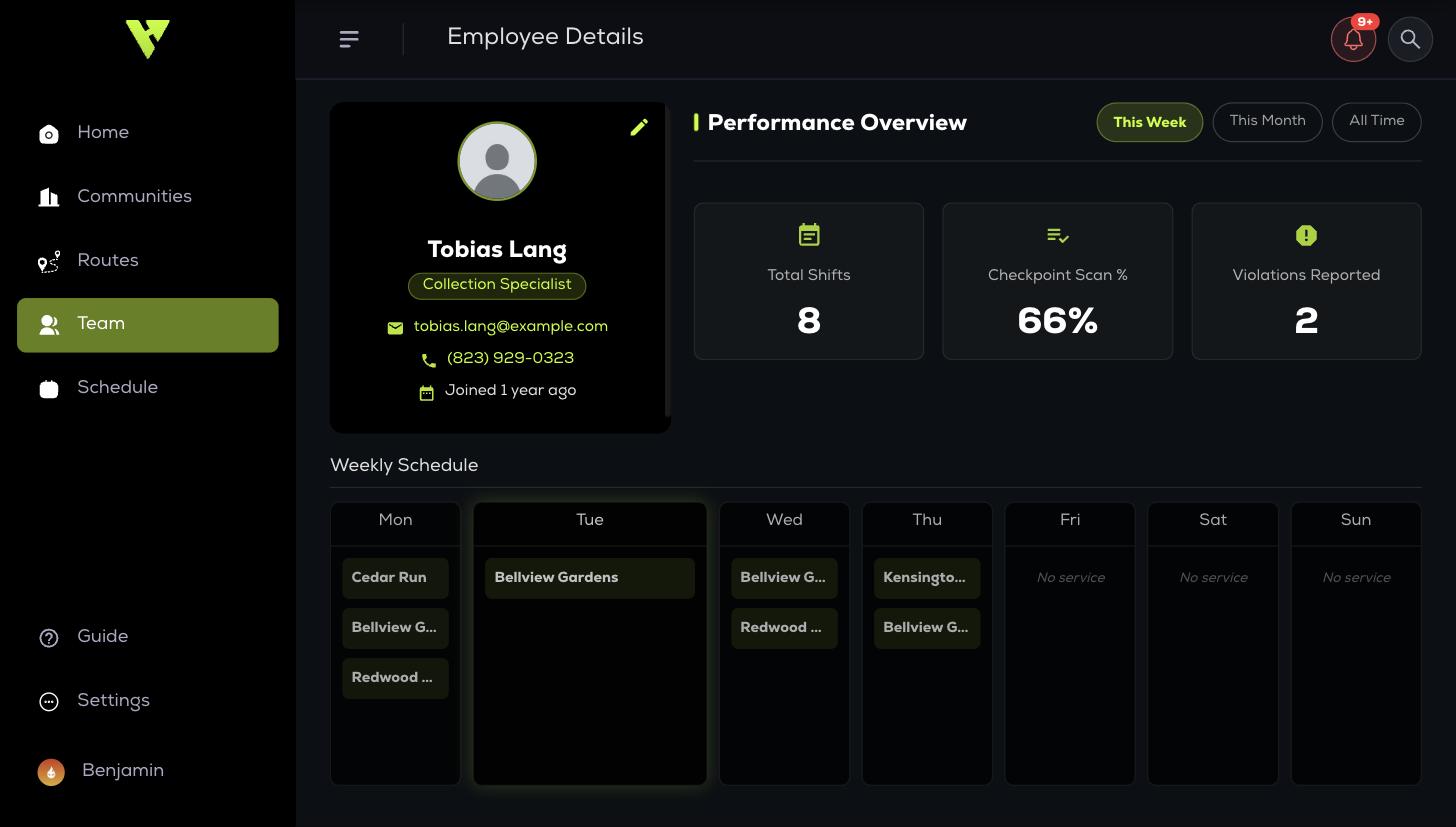
Performance Overview switches between This Week, This Month and All Time, so you can separate a bad week from a pattern before you raise it with someone.
Use Edit Employee to change any detail, including access level and active status.