
Creating & Assigning Work
What you are scheduling
What you are scheduling
- Community — a doorstep shift at one of your properties.
- Address Stop — a route-based stop.
Changing who works a day
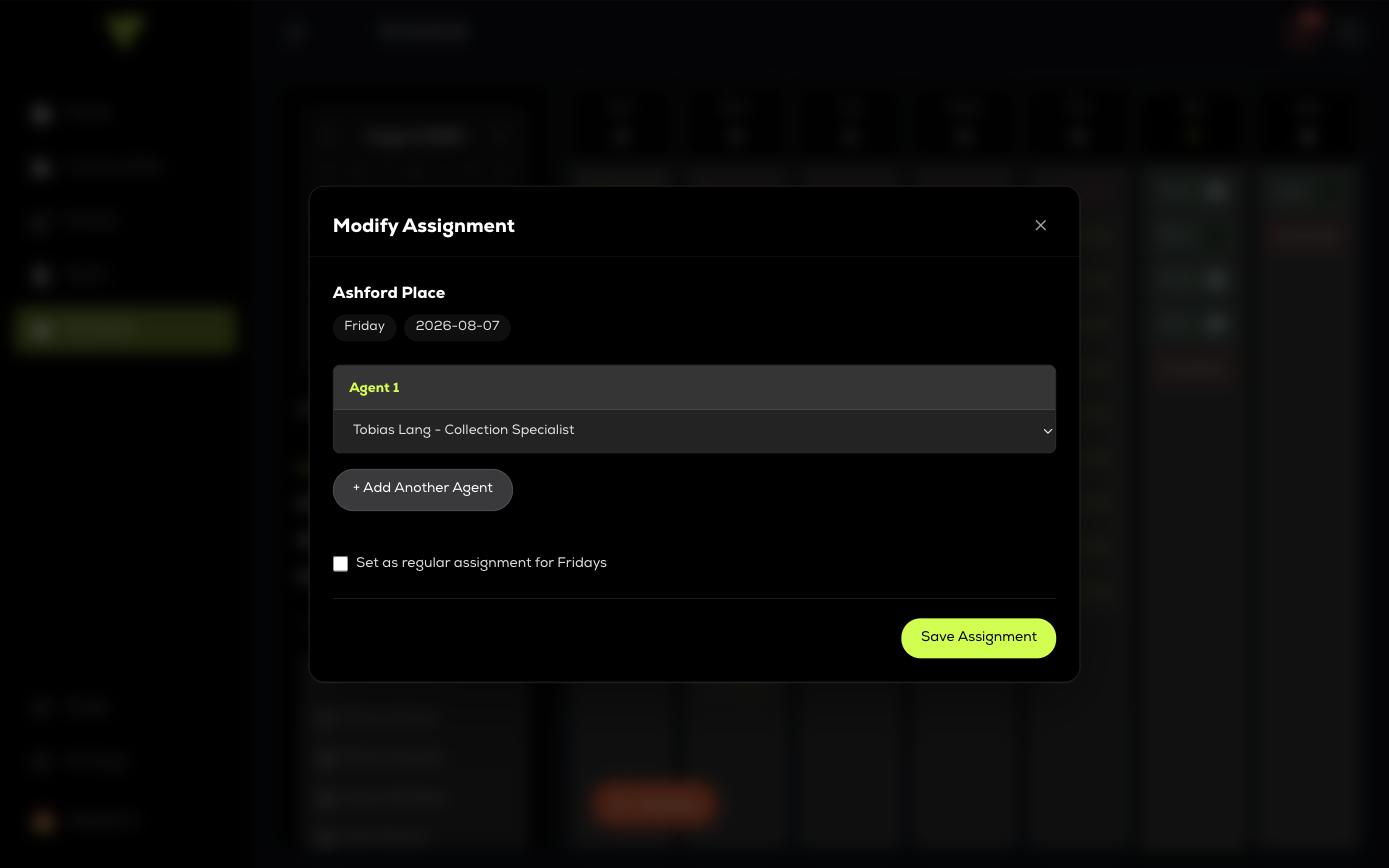
Click any entry in the week view to open its assignment dialog — Modify Assignment for a property, Edit Route Assignment for a route. Both do the same two things.
- Assigned Agents — who is working it. Use + Add Another Agent for a two-person crew.
- Set as regular assignment — applies your choice to every future occurrence of that weekday, not just this date.
Settings that live on the route, not the assignment
A route's name, service days, agents by day and active state belong to the route itself and are edited on the Routes page, not here. Scheduling assigns an existing route to a date; it does not redefine the route.