
Communities module
The Resident Portal
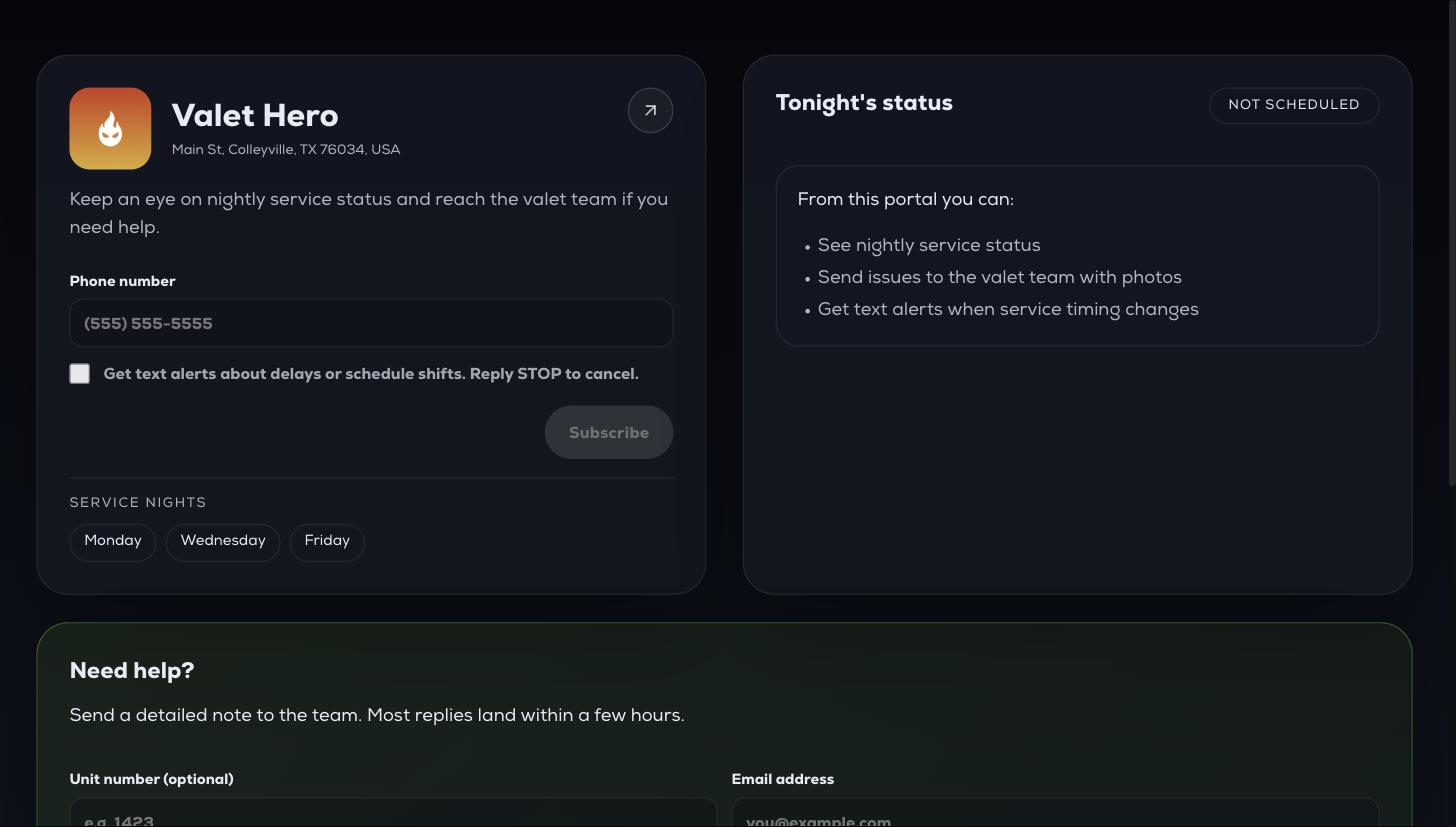
Each community gets a public web page for its residents. No login, no app — they open the link from your resident materials.
Each community gets a public web page for its residents. No login, no app — they open the link from your resident materials.
What residents can do
- See their service nights and the set-out window.
- See whether tonight's service has started or completed.
- Enter a phone number to subscribe to text updates.
- Send a message through the contact form, with a photo attached if needed.

The service nights shown come straight from the property — change them on the community and the portal follows. Text sign-up carries its own consent line and STOP instructions, so residents opt themselves in.
Contact form submissions land on the Contacts tab of that community profile.